
SMC Explained in MacBook Logic Boards
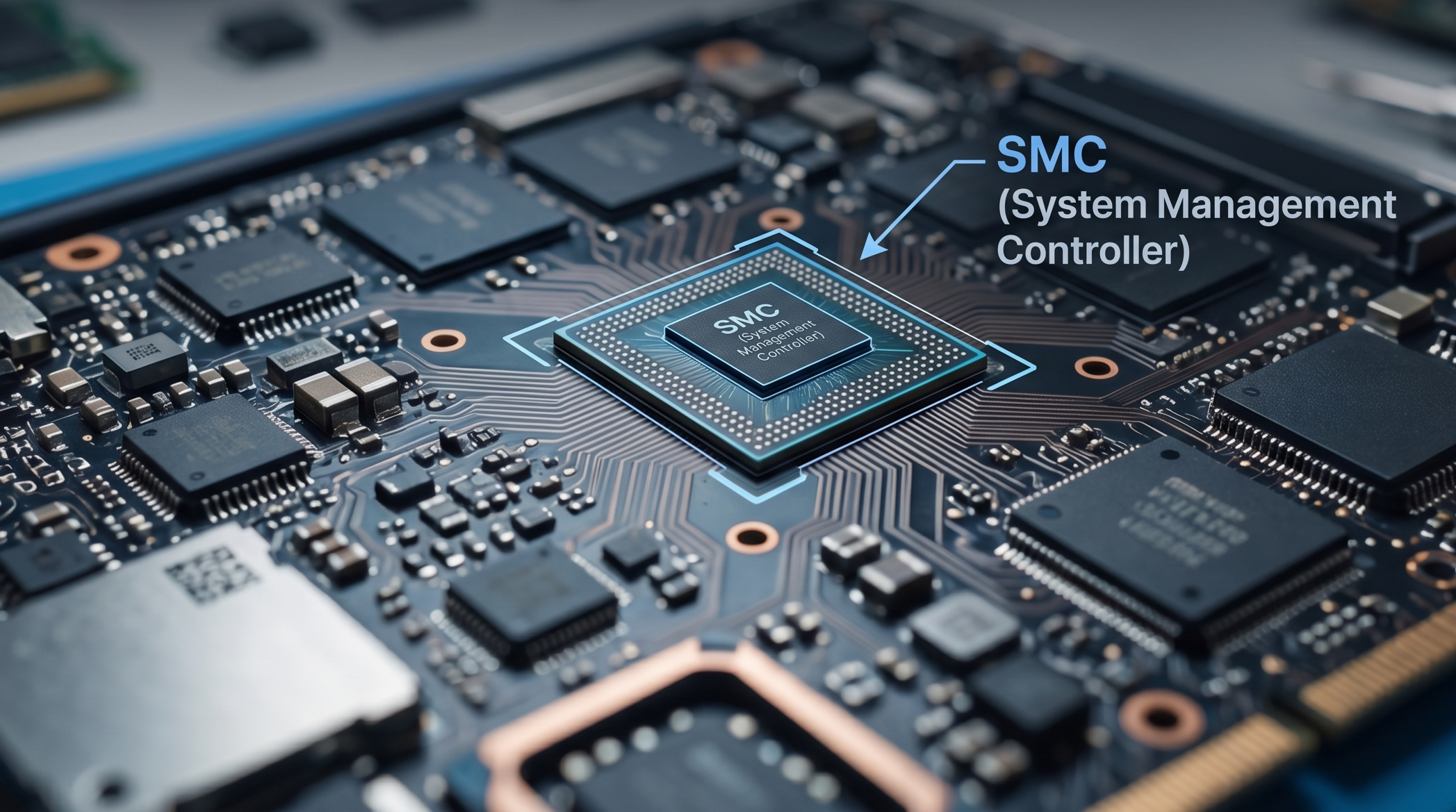
In MacBook board repair, one chip controls almost everything before the system even starts:
The SMC.
SMC stands for:
System Management Controller
This is one of the most important ICs on the board.
Without a working SMC:
- no power sequence
- no charging
- no fan logic
- no thermal control
- no sleep/wake
- no battery communication
For technicians, understanding SMC is essential.
Especially for diagnosing:
- dead boards
- no current draw
- fan spin issues
- charging faults
- liquid damage cases
What is SMC?
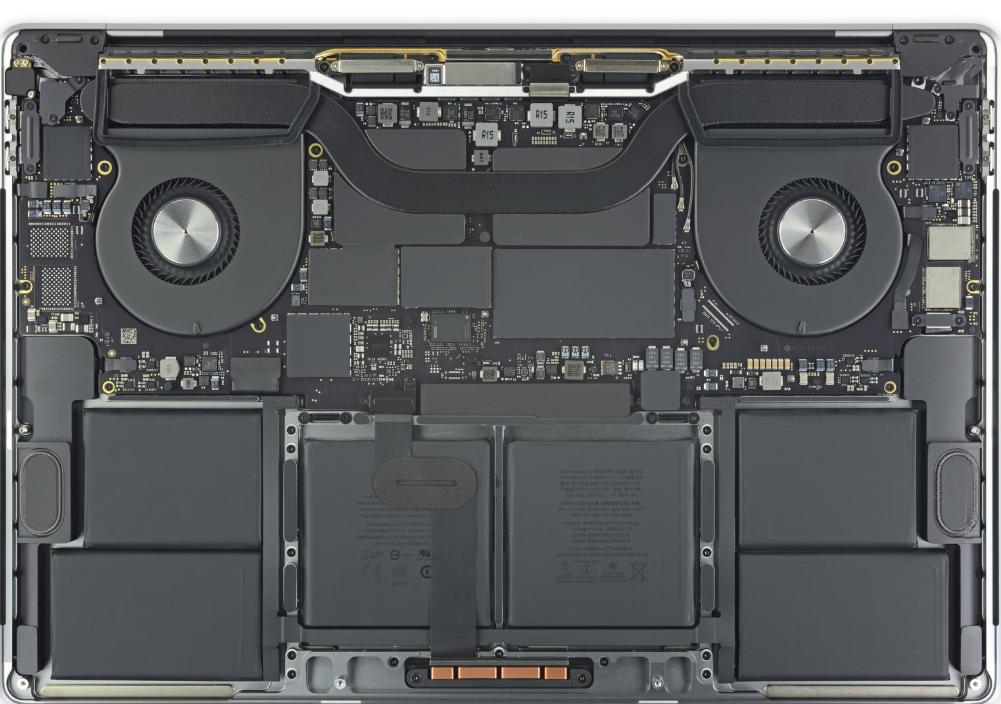
The SMC is a dedicated microcontroller.
Its job is hardware management.
Unlike the CPU:
the SMC works independently.
It stays active even when the MacBook is off.
That’s important.
This allows:
- charger detection
- battery monitoring
- lid open detection
- power button detection
before boot.
Think of SMC as the “board manager.”
What Does SMC Control?
The SMC handles multiple subsystems.
1. Power Button Detection
When you press the power button:
signal goes to SMC.
SMC verifies:
- battery state
- charger state
- power rail readiness
Then it starts the power sequence.
Without this:
board stays dead.
2. Charging Logic
SMC talks directly with charger ICs.
Common examples:
- ISL6259
- ISL9239
- CD3217 (USB-C models)
It manages:
- battery charging
- current limits
- adapter detection
Important rail:
PPBUS_G3H
Related:
Understanding PPBUS_G3H
3. Fan Control
SMC reads thermal sensors:
- CPU temp
- GPU temp
- battery temp
- VRM temp
Then adjusts fan speed.
Symptoms of SMC problems:
- fans max speed
- no fan spin
- thermal shutdown
Very common.
4. Sleep and Wake Logic
SMC controls:
- lid sensor
- sleep states
- wake events
Signals:
- PM_SLP_S4_L
- PM_SLP_S3_L
Important in boot sequence.
5. Battery Communication
Battery talks to SMC over SMBus.
SMC reads:
- cycle count
- voltage
- current
- temperature
- health
If communication fails:
MacBook may:
- not charge
- not boot
- show no battery
6. Thermal Protection
If temperatures exceed limits:
SMC can:
- reduce clocks
- increase fan speed
- force shutdown
Critical safety feature.
Where SMC Sits in the Power Sequence
Simplified power flow:
Charger Connected
↓
PPDCIN_G3H
↓
PPBUS_G3H
↓
PP3V42_G3H
↓
SMC Power
↓
SMC_RESET_L
↓
Power Button
↓
PMU_ONOFF_L
↓
Main Power Rails
Important:
No SMC power = no boot.
This is why PP3V42_G3H is critical.
Important SMC Power Rails
PP3V42_G3H
Main always-on SMC rail.
Feeds:
- SMC
- one-wire circuit
- charger detection
If missing:
SMC dead.
Board dead.
PPBUS_G3H
Main battery rail.
SMC monitors this constantly.
Normal:
~12.3V–12.6V
Varies.
PM_BATLOW_L
Battery low warning.
Affects startup logic.
SMC_RESET_L
Reset line.
Must go high.
Without this:
SMC won’t initialize.
Common SMC Failures
1. Liquid Damage Near SMC
Very common.
Corrosion causes:
- broken data lines
- missing power
- clock failure
Common after spills.
2. Missing PP3V42_G3H
No SMC power.
Result:
0A current draw.
Dead board.
3. Corrupt SMC Firmware
Rare.
But possible.
Symptoms:
- weird fan behavior
- charging failure
- boot instability
4. Sensor Line Failure
Missing sensor = fan max speed.
SMC enters protection mode.
Classic symptom.
How Technicians Diagnose SMC Problems
Check Current Draw
Use DC power supply.
Examples:
0.000A → no SMC power
0.020A → SMC alive
0.060A → power sequence starting
Current draw tells a lot.
Related:
MacBook Current Draw Analysis
Measure PP3V42_G3H
Critical first step.
No rail = find cause first.
Check SMC_RESET_L
Must rise.
If low:
SMC may be shorted or unstable.
Check Power Button Signal
Verify:
PMU_ONOFF_L
Signal should pulse.
No pulse = input problem.
Check Fan Behavior
Full speed fans often mean:
sensor issue or SMC communication failure.
Good clue.
SMC Reset vs Real SMC Repair
Many people confuse these.
SMC reset:
Software-level reset.
Does not fix:
- shorted rails
- dead SMC
- corrosion
- broken traces
Technicians must separate software from hardware.
Big difference.
SMC and Intel vs Apple Silicon
Intel Macs:
Dedicated SMC chip.
Apple Silicon:
Many SMC functions moved inside SoC.
Changes repair workflow.
Still similar logic principles.
Used in:
Apple Inc. M1/M2 systems.
Why SMC Matters in Board Repair
The SMC is the gatekeeper.
Without it:
nothing starts.
Understanding SMC helps diagnose:
- no power
- no charging
- no fan
- thermal faults
- battery issues
- wake issues
This is step one in advanced MacBook repair.
FAQ
Can a MacBook boot without SMC?
No.
The power sequence depends on it.
Does SMC control charging?
Yes.
It communicates with charger ICs and battery.
Why are fans spinning at max speed?
Usually sensor failure or SMC communication issue.
Can SMC be replaced?
Yes.
But requires advanced microsoldering and firmware awareness.
Internal Linking Suggestions
Link this article to:
- MacBook Power Sequence Explained
- Understanding PPBUS_G3H
- MacBook Current Draw Analysis
- CD3217 USB-C Controller Explained
- T2 Chip Explained in MacBook Repair
External References
FAQ Schema (JSON-LD)
{
  "@context": "https://schema.org",
  "@type": "FAQPage",
  "mainEntity": [
    {
      "@type": "Question",
      "name": "What does SMC do in a MacBook?",
      "acceptedAnswer": {
        "@type": "Answer",
        "text": "SMC controls charging, fan behavior, thermal logic, battery communication, and power sequencing."
      }
    },
    {
      "@type": "Question",
      "name": "Can a faulty SMC cause no power?",
      "acceptedAnswer": {
        "@type": "Answer",
        "text": "Yes. Without SMC initialization, the power sequence cannot start."
      }
    }
  ]
}